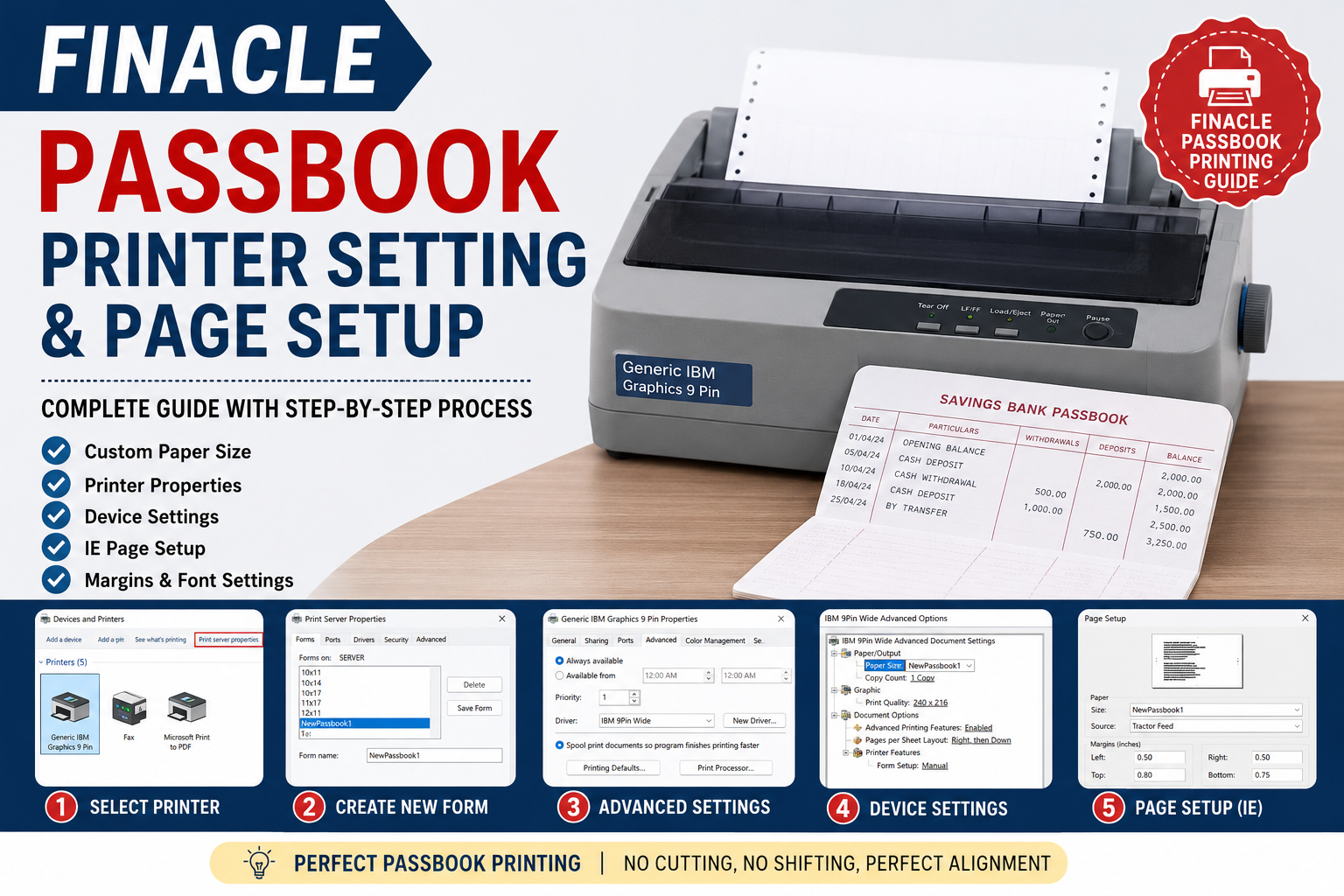
Finacle Passbook Printer Setting & Page Setup – Complete Guide
Finacle में Passbook Printing के लिए सही Printer Setting और Page Setup बहुत जरूरी है।
यदि passbook में printing आगे या पीछे हो रही है, text cut हो रहा है या alignment सही नहीं है,
तो नीचे दिए गए printer और page setup को check करें।
- Custom Passbook Paper Size
- Generic IBM Graphics 9 Pin Printer Setting
- Print Quality Setting
- Device Settings
- Internet Explorer Page Setup
- Margin & Font Settings
- Common Passbook Printing Problems
1. Passbook Printer के लिए Custom Paper Size बनाएं
सबसे पहले Windows में Devices and Printers खोलें।
अपने Passbook Printer को select करें और Print Server Properties खोलें।
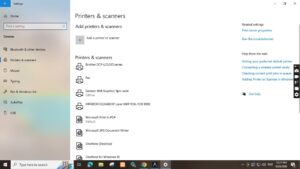
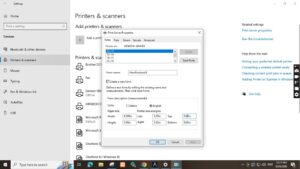
Create a New Form
- Print Server Properties खोलें।
- Forms tab पर जाएं।
- Create a new form option select करें।
- Form का नाम उदाहरण के लिए NewPassbook1 रखें।
- Measurement unit को English रखें।
2. Recommended Passbook Paper Size
| Setting | Value |
|---|---|
| Width | 8.20 inch |
| Height | 5.80 inch |
| Left Margin | 0.20 inch |
| Top Margin | 0.80 inch |
| Right Margin | 0.00 inch |
| Bottom Margin | 0.00 inch |
सभी values enter करने के बाद Save Form पर click करें।
3. Printer Properties में Custom Paper Size Select करें
अब अपने Passbook Printer की Printer Properties खोलें।
Advanced section में जाकर custom paper size select करें।
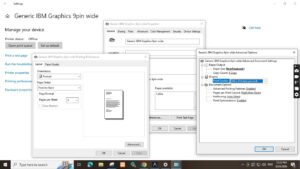
Recommended Printer Settings
| Printer | Generic IBM Graphics 9 Pin / 9 Pin Wide |
| Paper Size | NewPassbook1 |
| Print Quality | 240 × 216 |
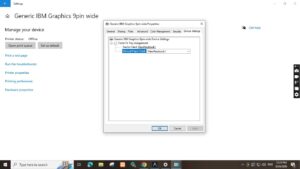
4. Device Settings में Paper Size Select करें
Printer Properties में Device Settings खोलें।
वहां भी Paper Size के रूप में वही custom form select करें।
5. Internet Explorer Page Setup
यदि आपका legacy Finacle environment Internet Explorer आधारित है,
तो Browser के Page Setup में भी settings check करें।
Header और Footer
Header और Footer के सभी fields को Blank रखें।
इससे browser का unwanted header/footer passbook पर print नहीं होगा।
Shrink-to-Fit Disable करें
Enable Shrink-to-Fit option को unchecked रखें।
Automatic scaling की वजह से passbook printing का size और position बदल सकता है।
6. Page Margin Settings
| Margin | Value |
|---|---|
| Left | 0.50 inch |
| Right | 0.50 inch |
| Top | 0.80 inch |
| Bottom | 0.75 inch |
7. Font Settings
Font: Courier
Font Style: Regular
Font Size: 12
Font settings complete करने के बाद OK करके Page Setup save करें।
8. Complete Finacle Passbook Printer Settings
| Parameter | Recommended Setting |
|---|---|
| Printer | Generic IBM Graphics 9 Pin / 9 Pin Wide |
| Custom Form | NewPassbook1 |
| Paper Width | 8.20 inch |
| Paper Height | 5.80 inch |
| Print Quality | 240 × 216 |
| Shrink-to-Fit | Disabled |
| Font | Courier |
| Font Size | 12 |
9. Common Passbook Printing Problems
❌ Printing आगे या पीछे हो रही है
Custom paper size और page margins check करें।
Printer driver में गलत paper size होने पर printing position बदल सकती है।
❌ Text Cut हो रहा है
Paper width, height और margins verify करें।
Browser scaling भी check करें।
❌ Printing बहुत छोटी आ रही है
Shrink-to-Fit या automatic scaling enabled है या नहीं check करें।
जरूरत होने पर इसे disable करके test print करें।
❌ Custom Paper Size दिखाई नहीं दे रहा
Print Server Properties में custom form दोबारा check करें।
साथ ही verify करें कि printer driver उस custom form को support कर रहा है।
10. Final Passbook Printing Checklist
- ✅ Custom Passbook Form created
- ✅ Correct Paper Size selected
- ✅ Device Settings checked
- ✅ Print Quality checked
- ✅ Header & Footer blank
- ✅ Shrink-to-Fit disabled
- ✅ Page Margins verified
- ✅ Courier Font selected
- ✅ Test Print completed
Frequently Asked Questions
What paper size is used for Finacle passbook printing?
The referenced legacy configuration uses a custom paper size of approximately
8.20 × 5.80 inches. Always verify the actual passbook and printer configuration before production printing.
Which printer is used for this configuration?
The referenced setup uses a Generic IBM Graphics 9 Pin / 9 Pin Wide
dot matrix printer configuration.
Why should Shrink-to-Fit be disabled?
Shrink-to-Fit automatically scales the page. This can change the size and position
of printed content. Disabling it helps maintain consistent printing alignment.
Which font should be used?
The referenced configuration specifies Courier, Regular, Size 12.
Conclusion
Finacle Passbook Printing में सही printer driver, custom paper size,
Device Settings और Page Setup का सही combination बहुत महत्वपूर्ण है।
यदि printing alignment में समस्या आ रही है, तो ऊपर दिए गए settings को एक-एक करके verify करें।
Printer configuration बदलने से पहले existing working settings का screenshot जरूर रख लें।
इससे समस्या होने पर previous configuration को restore करना आसान रहेगा।
Disclaimer:
यह article technical reference के उद्देश्य से तैयार किया गया है।
Printer model, Windows version, printer driver और Finacle environment के अनुसार
settings अलग हो सकती हैं। Production system में बदलाव करने से पहले local
System Administrator/technical support से verify करें।
Keywords:
Finacle Passbook Printer Setting, Finacle Passbook Printing,
Passbook Printer Setup, Dot Matrix Printer Setting,
Generic IBM Graphics 9 Pin, Finacle Printer Configuration,
Passbook Page Setup, India Post Finacle